值得等到结束的计时器 · A timer worth finishing
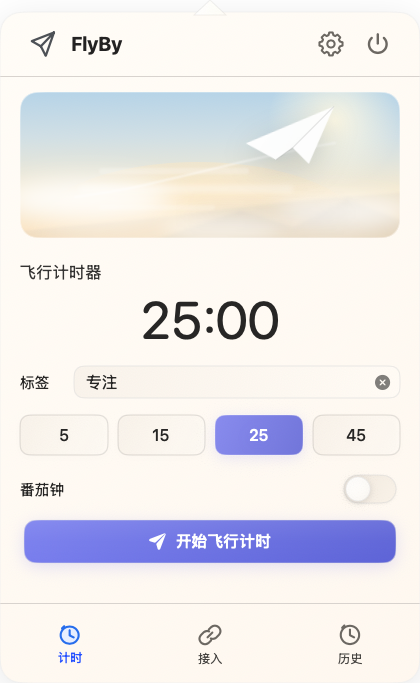
设个倒计时或番茄钟,给这次专注起个名字——时间到,飞过屏幕的就是这句话。
Set a countdown or a Pomodoro, name it, and that label flies across the screen when time is up.
原生 Mac 菜单栏计时器 · Native Mac menu-bar timer
A focus timer that ends with a flight.
设个专注计时,或接入你的 AI。时间到、或 Codex / Claude Code 跑完的那一刻,一架纸飞机带着你写的那句话,飞过整个屏幕。
Set a timer, or connect your AI. When the work finishes, a paper plane flies across your whole screen with your note.
免费 · 开源 · macOS 13+ · 已签名公证,双击即开 · Free · Open source · Notarized
时间到的那一刻 · When the timer ends
Not a chime — a flight.
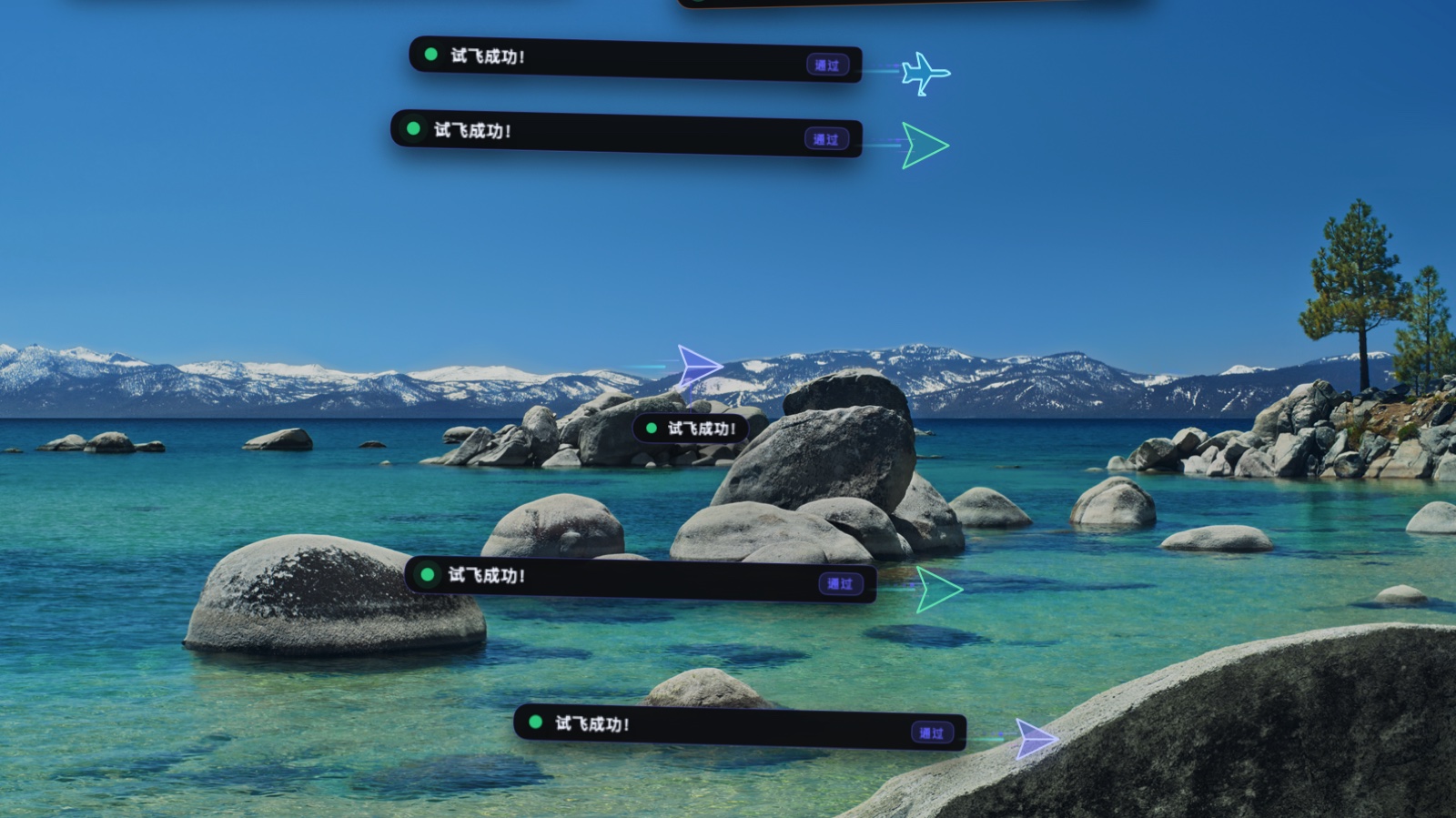
一架纸飞机,或一枚火箭,带着你的提醒掠过整块屏幕。想错过都难,还挺好看。 A paper plane, or a rocket, glides across your screen carrying your reminder — hard to miss, and rather nice to watch.
设个倒计时或番茄钟,给这次专注起个名字——时间到,飞过屏幕的就是这句话。
Set a countdown or a Pomodoro, name it, and that label flies across the screen when time is up.
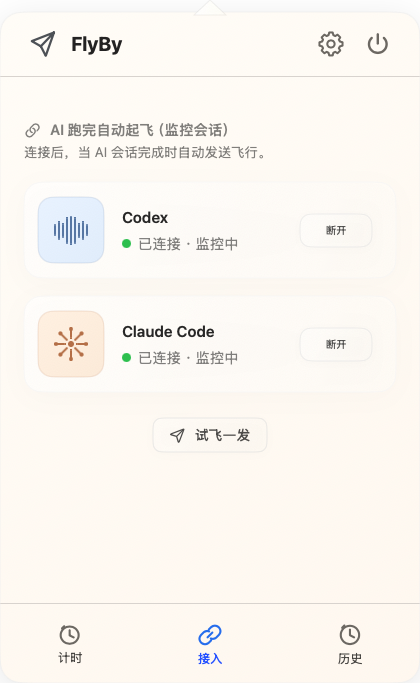
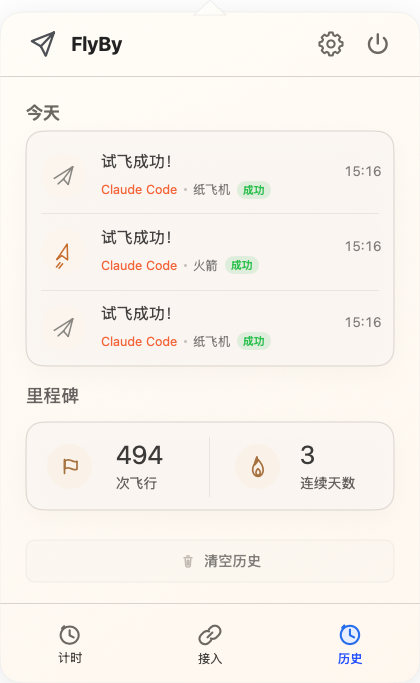
接入一次 Codex 或 Claude Code,之后每次跑完自动起飞,不用再守着终端。
Connect Codex or Claude Code once; FlyBy flies the moment a run finishes, so you can stop watching the terminal.
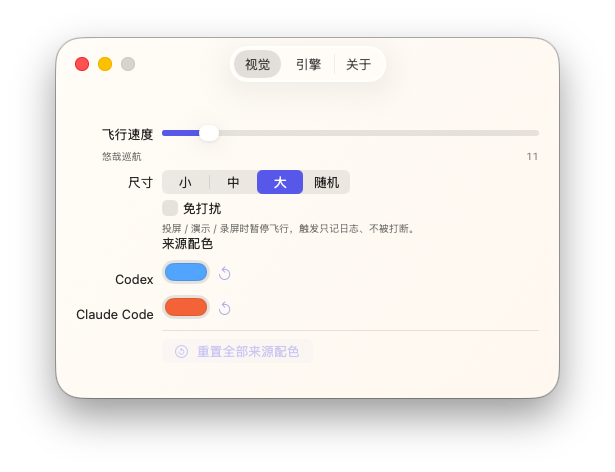
纸飞机或火箭带着你的横幅掠过整块屏幕。悬停暂停,点一下送走,其它地方照常穿透。
A paper plane or rocket crosses your whole display with your message. Hover to pause, click to send it off.
只在菜单栏,不占 Dock;录屏、演示、共享时自动不打扰。
It lives in the menu bar, not the Dock, and pauses automatically while you present, record, or share.
无账号、无云、无追踪。设置和记录都留在你的 Mac,从不上传。
No account, no cloud, no tracking. Settings and today's log stay on your Mac and are never uploaded.
Workflow
Trust
一款 Mac 菜单栏专注计时器。设个倒计时,时间到,一架纸飞机带着你写的那句话飞过整个屏幕;也能在 AI 编程任务跑完时自动起飞。
接入一次 Codex 或 Claude Code。FlyBy 只读地留意会话是否结束,跑完就飞,无需 webhook 或额外配置。横幅还会告诉你是哪个项目刚落地。
FlyBy 不发起任何网络请求,无账号、无分析。它只读你授权的会话文件夹,内容从不外传,只显示一句简短的完成提示。
macOS 13 Ventura 或更高版本,Apple 芯片或 Intel Mac 均可。
Give your work a landing worth watching.
免费 · 开源 · macOS 13+ · 无需账号
More by Bailuo · 更多 Bailuo 作品